Product customer journey

velvetmade Customer Product Journey infographic design

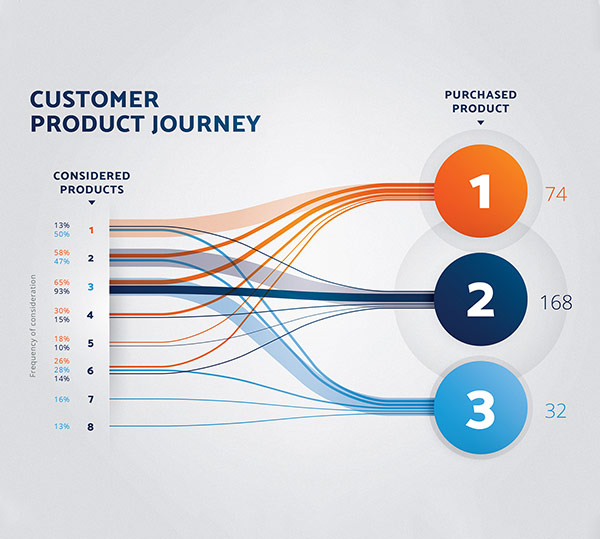
Category: InfographicIndustry: Commerce Infographic is showing which products customers consider before actually buying one. The products that they purchase in the end are shown in the right column and connected with lines to each other product the customers considered before making their final choice.

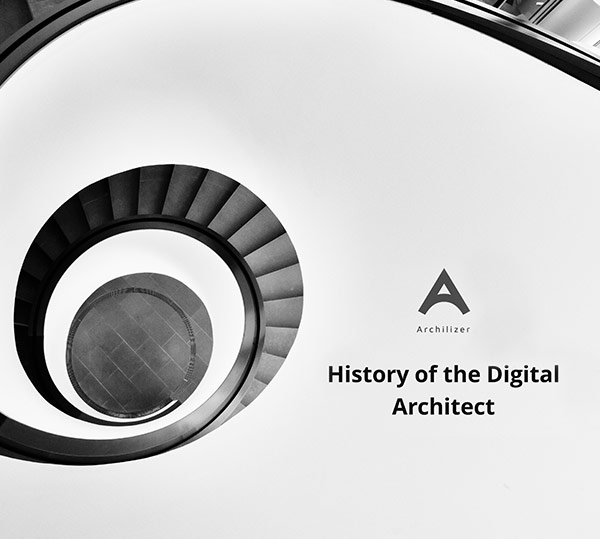
Archilizer

Category: PowerPoint presentation designIndustry: Architecture PowerPoint presentation template for conference in architecture. Big, bold, black and white conceptual imagery is the foundation for this template. Darker theme to give it a sleek and sophisticated look and contrasting light and overlaid slides as break points in the presentation.

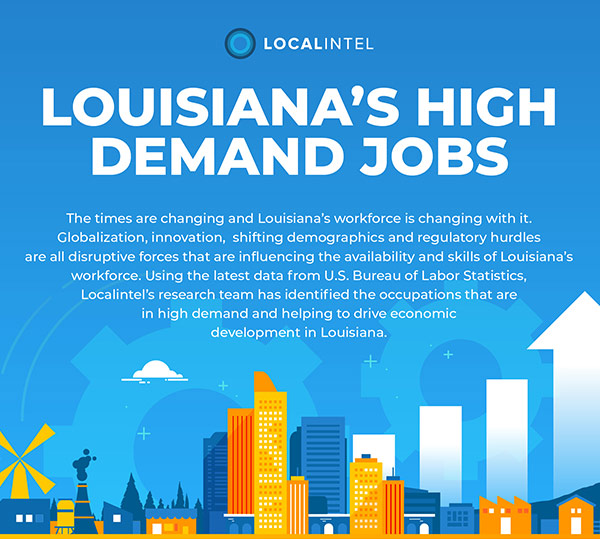
Localintel

velvetmade localintel infographic design thumbnail

Category: InfographicIndustry: Investment, capital Illustrative, infographic report for localintel. It combines statistics from research presented in form of stylized bar and pie charts and graphs, with bright colors and fresh, light look. Gradients and color coding for each section are used and overall fun and modern look and feel.

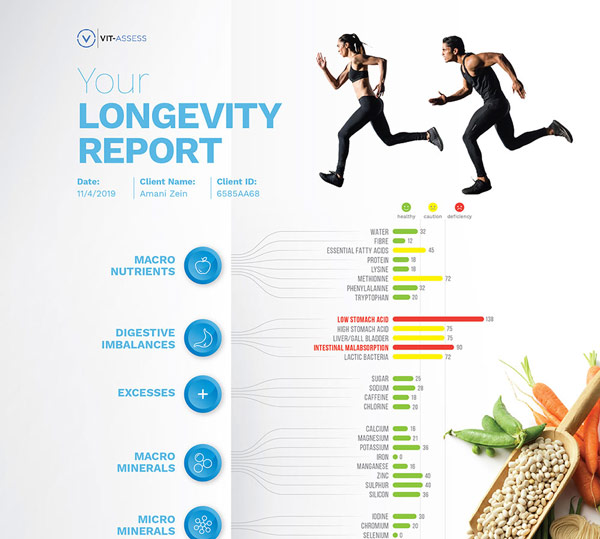
Longevity report

velvetmade longevity report infographic design thumbnail

Category: InfographicIndustry: Health, Nutrition and Fitness Health report containing the analysis and solutions for different medical compounds and conditions. Clean, light theme with background isolated imagery and colorful bar chart as main element of the infographic.

Vitaminbase

velvetmade Vitamin Base website design thumbnail

Category: Web Design Industry: Health and Nutrition A complete design and development for Vitamin Base visual nutritional database. Clean design based on bold, colorful imagery of fruits and vegetables, sharing their nutritional details, information and benefits and featuring series of animated infographics. Healthy, fresh and natural and bursting with colors are the main focus of … Read more

Oceanfront

velvetmade Stacy Robins email newsletter design thumbnail

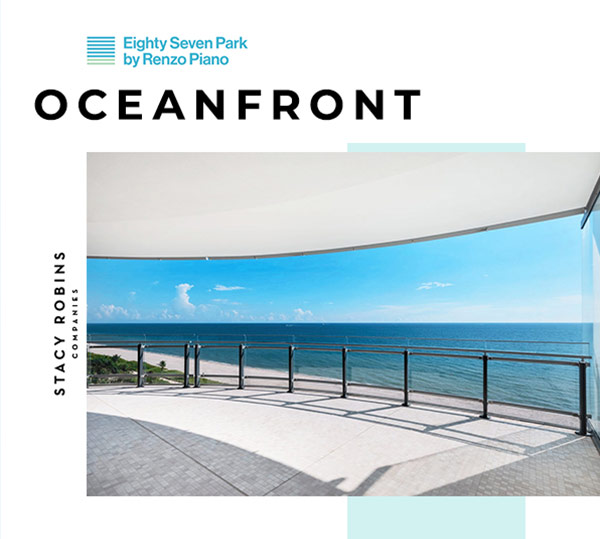
Category: Email designIndustry: Real estate Email design for a company in real estate with editorial look. The design is focused on layout and is very detail oriented, with magazine like style and bold contrasts between big titles, beautiful visuals and small body copy. Lots of white space, minimal look and overlapping elements with irregular yet … Read more

GoExpedi

Category: PowerPoint presentation designIndustry: Technology This PowerPoint presentation template for a technology startup has a light and youthful look to it with a hint of technological and scientific linear feel. Not too heavy on content, it allows a lot of white space with airy design and light blue overlays.

General instructions:

  1. Open the exercise in your browser and read the task and the content on the left side of the screen. 
  2. You will be editing the content on the right side of the screen.
  3. In order to do that, right click on the exercise page that you opened and go to ‘Inspect’.
  4. Go to ‘Sources’ in the top bar and if you cannot see an empty CSS sheet where you can type the code, press Ctrl + P and start typing ‘styl’ in the search bar. Then press enter to open the CSS sheet.
  5. Follow the notes on the left and start typing your CSS code to see the changes online!
  6. Important! Do not refresh the page while you are editing the code, as these changes are in preview mode only and you can see them immediately, as soon as you write a line of functioning code.
  7. Use the custom classes in the notes on the left side of the screen, as well as ‘Elements’ on the top bar of the ‘Inspect’ to target and style the classes and elements. For example, you can enable the small icon on the top left of the ‘Inspect’ window (‘Select an element in the page to inspect it’) to find the default class name of the element you want to edit, while you are in the ‘Elements’ tab.

Tips:

  1. If the code is not showing any changes, try adding the !important tag at the end of the line before closing it (before the “;” symbol) and see if it works then.
  2. Don’t forget there are usually more ways to achieve the same result. Be creative!
  3. If you get stuck, write your email address in the form on the left side of the screen and you will get the solution (CSS code) in your email.
Sources:

  1. You can find a lot of tutorials on my youtube channel. 
  2. Watch the tutorial on how to solve these exercises here.

Please check your email and stay tuned for updates on the course.

We will notify you shortly when it’s available for presale.