Live a life you love

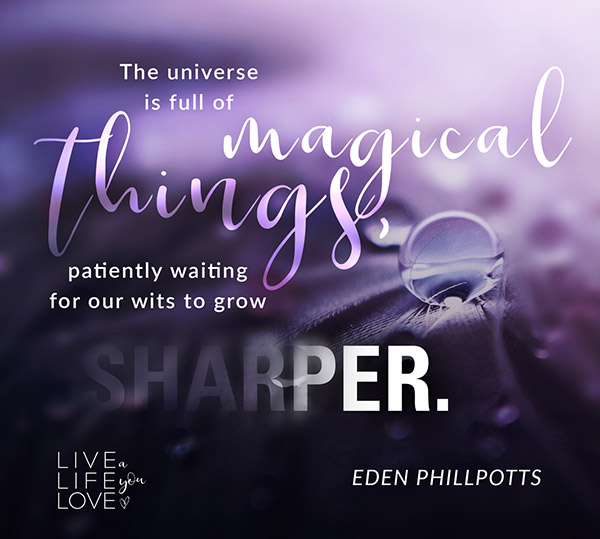
Category: Social MediaIndustry: Motivational Series of instagram images for Live the Life You Love. Background images with interesting text treatment are used to represent inspirational quotes on each one.

Vitaminbase

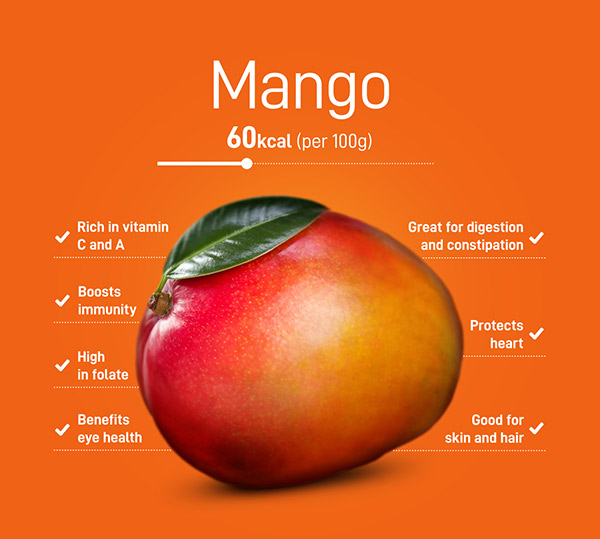
Category: Social MediaIndustry: Health and Nutrition Social media posts as a series of animated infographics pointing out benefits and nutritional profile of different fruits, vegetables and nuts for vitaminbase.eu. From photo editing and color treatment to animating the information, the overall look is fresh, bold and colorful.

South of Fifth

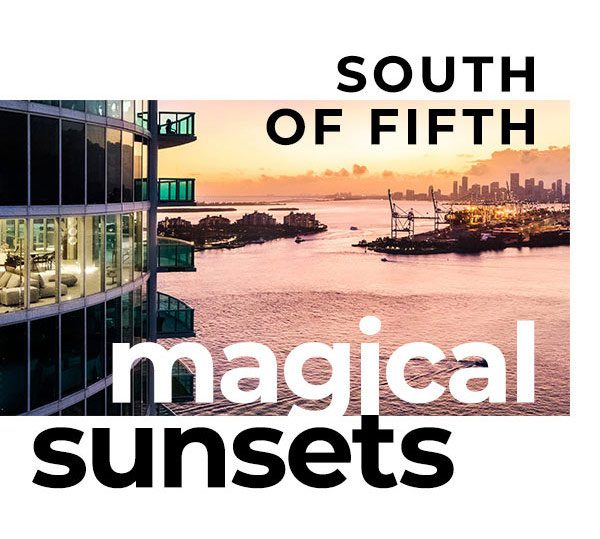
Category: Email designIndustry: Real estate Email design for a real estate company, keeping a modern and minimalistic look. Bold contrasts, big titles and strong imagery are the core of this design. Touch of playfulness on the titles, lots of white space and careful placement of elements provide a polished and modern, editorial look.

Windsor

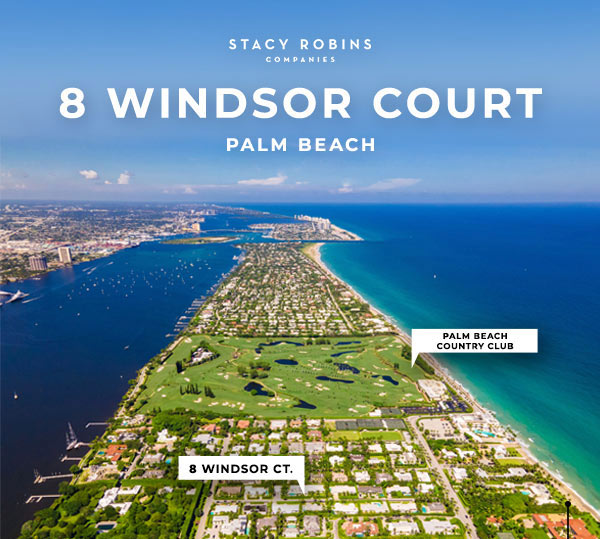
Category: Email designIndustry: Real estate Another email design for a company in real estate with editorial look. The design is focused on simple, full page layout and is very detail oriented, with magazine like style and bold contrasts between big titles, beautiful visuals and small body copy. The bright, colorful imagery, carefully placed white space … Read more

BTWN-catalog

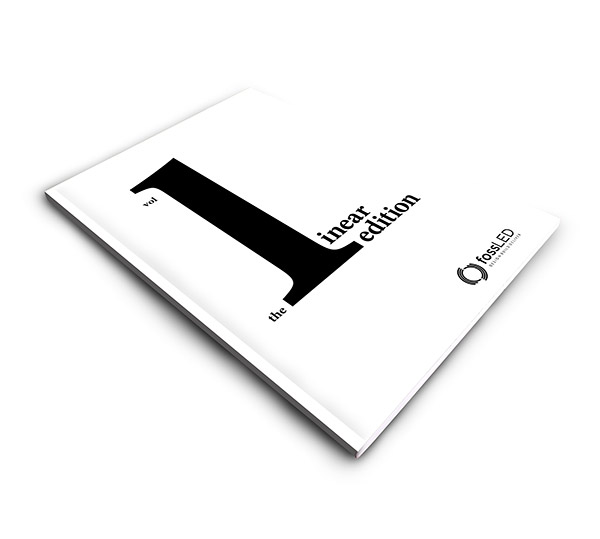
Category: Print CatalogIndustry: Exhibition A premium sleek brochure for exhibition displays professionals. Bold and strong design with contrasting covers with white inside pages showcasing their best projects. Big photos, carefully placed in a modern dynamic layout, paired with small body copy and hint of color for every project. Using the white space and positioning the … Read more

Dull ad

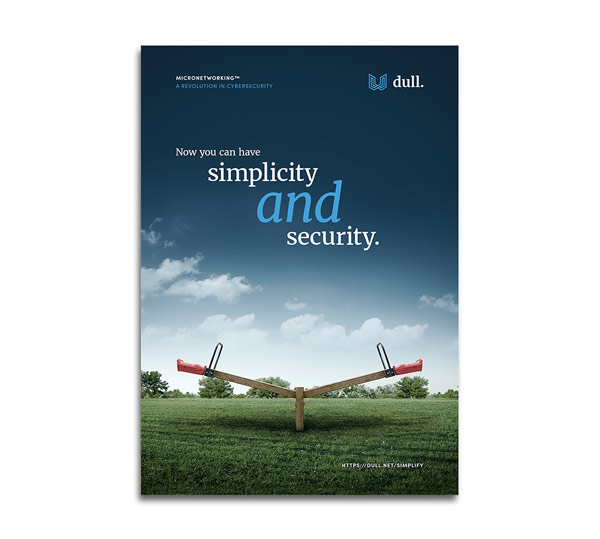
Category: Print AdIndustry: Cybersecurity A full page minimalistic ad for cybersecurity company. Sleek, slightly surreal look based on an edited hero image of seesaw with both sides up. It represents both simplicity AND security that the company offers as opposed to just one of those benefits. Dark blue tones convey trust and established look and … Read more

General instructions:

  1. Open the exercise in your browser and read the task and the content on the left side of the screen. 
  2. You will be editing the content on the right side of the screen.
  3. In order to do that, right click on the exercise page that you opened and go to ‘Inspect’.
  4. Go to ‘Sources’ in the top bar and if you cannot see an empty CSS sheet where you can type the code, press Ctrl + P and start typing ‘styl’ in the search bar. Then press enter to open the CSS sheet.
  5. Follow the notes on the left and start typing your CSS code to see the changes online!
  6. Important! Do not refresh the page while you are editing the code, as these changes are in preview mode only and you can see them immediately, as soon as you write a line of functioning code.
  7. Use the custom classes in the notes on the left side of the screen, as well as ‘Elements’ on the top bar of the ‘Inspect’ to target and style the classes and elements. For example, you can enable the small icon on the top left of the ‘Inspect’ window (‘Select an element in the page to inspect it’) to find the default class name of the element you want to edit, while you are in the ‘Elements’ tab.

Tips:

  1. If the code is not showing any changes, try adding the !important tag at the end of the line before closing it (before the “;” symbol) and see if it works then.
  2. Don’t forget there are usually more ways to achieve the same result. Be creative!
  3. If you get stuck, write your email address in the form on the left side of the screen and you will get the solution (CSS code) in your email.

Sources:

  1. You can find a lot of tutorials on my youtube channel. 
  2. Watch the tutorial on how to solve these exercises here.

Please check your email and stay tuned for updates on the course.

We will notify you shortly when it’s available for presale.